close
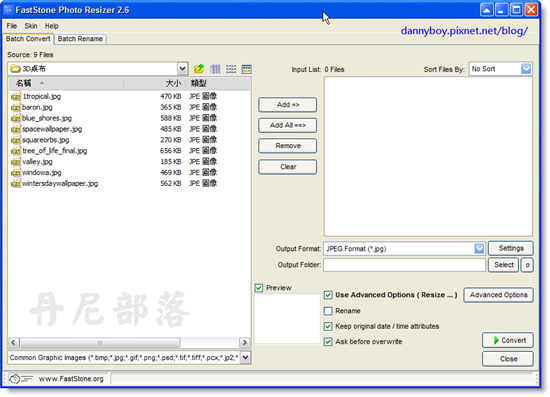
一開啟軟體就能看到最常用的圖片處理功能(轉換格式、批次重新命名),需要批次調整大小也可從進階選項 [Advanced Options] 內做設定(還有旋轉、浮水印、剪裁、邊框等批次功能),接著只要按下 Convert 按鍵即可,非常容易。
官方網站:http://www.faststone.org/FSResizerDetail.htm
更新訊息:
Version 2.6 (June 06, 2008)
* Allowed sorting files in the Input List
* Added "Expand Mode" option to the Canvas tab in "Advanced Options"
* Supported "drag and drop" files from Windows Explorer to the Input List
* Fixed some bugs


全站熱搜

 留言列表
留言列表


 免費軟體 (22)
